
Create lighter WebP copies. Keep your originals.
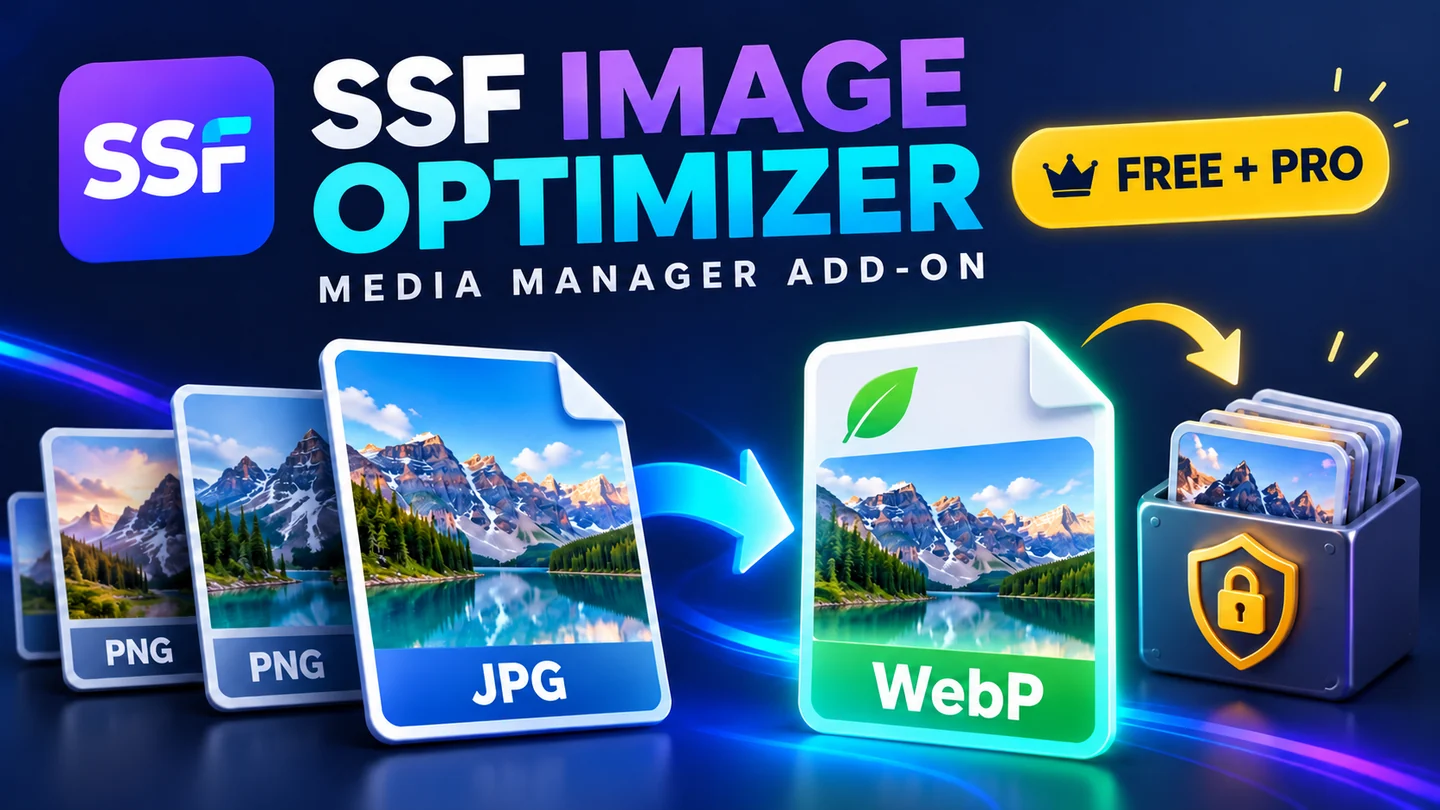
Convert selected JPEG or PNG attachments into separate WebP Media Library copies. Compare real byte sizes, preview the result and insert the new image when it is right for your page.
Free local tools · No AI, API key or subscription required
Choose the workflow that fits your team
A useful place to start
- Convert one local JPEG/PNG attachment at a time using the WordPress image editor: quality 82, original dimensions.
- Create a new Media Library attachment with native responsive sizes and copied alt text; preserve the source record, metadata and existing URLs.
- Compare original and WebP full-size bytes, preview both, and see the extra storage used by the new copy and sizes.
- Reuse an identical completed conversion; discard outputs that are not smaller. Source privacy status and parent inheritance are retained at conversion time.
More control for reviewed work
- Prepare batches of up to 100 explicit original attachment IDs; manually resume at most two conversions per request.
- Choose Balanced (quality 82/original dimensions), Compact (quality 75/max side 1920 px), or Detail (quality 90/max side 2560 px). Images are not enlarged.
- Export up to 200 recent conversion records as CSV with measured bytes, dimensions, settings and UTC time.
- Review original links and remove a confirmed-unused derived copy through file-manifest, metadata, path and common-reference guards; retain up to 100 cleanup events.
Free and Pro at a glance
| Workflow | Free | Pro add-on |
|---|---|---|
| Individual WebP conversion | Quality 82; original dimensions | Included |
| Originals and existing URLs | Retained | Retained |
| New native Media Library copy | Included | Included |
| Reviewed batch workflow | — | Up to 100 IDs; two per resume |
| Quality/dimension presets | Fixed Free preset | Three presets |
| Conversion report CSV | — | Up to 200 recent copies |
| Unused derived-copy cleanup | — | Guarded confirmation + history |
Introductory Pro plans
Introductory prices for this separate add-on. Free remains available without payment.
One year of updates & support
One payment · Manual renewal
One year of updates & support
One payment · Manual renewal
One year of updates & support
One payment · Manual renewal
One payment includes one year of updates and support, manual renewal and manual update delivery. No automatic renewal. Installed local tools keep working; GPL rights do not expire.
Pro checkout is currently closed. For product or agency questions, email sales@ssfllc.com.
Install, review and use
Before installation
- WordPress 6.4+, PHP 8.1+ and a WordPress image editor capable of writing WebP.
- A writable local uploads directory and enough memory. Uploaders must be allowed to edit the source attachment.
- Pro requires this product’s Free plugin. The separate SSF Media Manager organization plugin is optional; its collections and metadata tools stay separate.
Your first workflow
- Back up the Media Library, install and activate Free, then open Media → SSF Image Optimizer.
- Use Create WebP copy in Media Library list view or select an original attachment ID. Compare the result and insert the new attachment manually.
- For Pro, keep Free active and install its separate add-on. Prepare explicit IDs, review the preset and process the next two until the batch is complete.
Know exactly what the tools cover
- Local JPEG/PNG attachments only: up to 15 MiB, 16 megapixels and 8000 pixels per side, subject to available host memory.
- The host must support WebP through GD or Imagick. Runtime tests used GD; verify your own hosting and visual quality. EXIF and colour profiles may differ.
- Retained originals plus extra copies use more disk space. Smaller transfer bytes help only where you insert the new attachment. Existing content is not rewritten automatically.
- AVIF, existing WebP recompression, GIF/SVG/PDF, offloaded media, CDN rewriting, background/on-upload conversion and network-wide jobs are outside this release.
Your data, retention and access
All processing and conversion records stay on your server. No image is sent to an external API. New records preserve private status and parent inheritance at conversion time, but ordinary WordPress uploads are not a secure document vault and later privacy changes are not synchronized across copies. Media/history remain on deactivation or uninstall. Cleanup removes only an explicitly confirmed-unused optimizer copy; custom fields, CSS, external consumers and caches require your own reference review.
These local tools do not require AI or a third-party processing account. Your website owner remains responsible for access, backups, privacy notices and appropriate retention.
Need help choosing or getting started?
Software support, licence assistance, refunds and privacy enquiries: support@ssfllc.com.
Product sales and agency enquiries: sales@ssfllc.com.
Smart Solutions Framework (SSF) is a software brand operated by Murshid Farm Industries, Pakistan.