
See the evidence behind your next SEO cleanup.
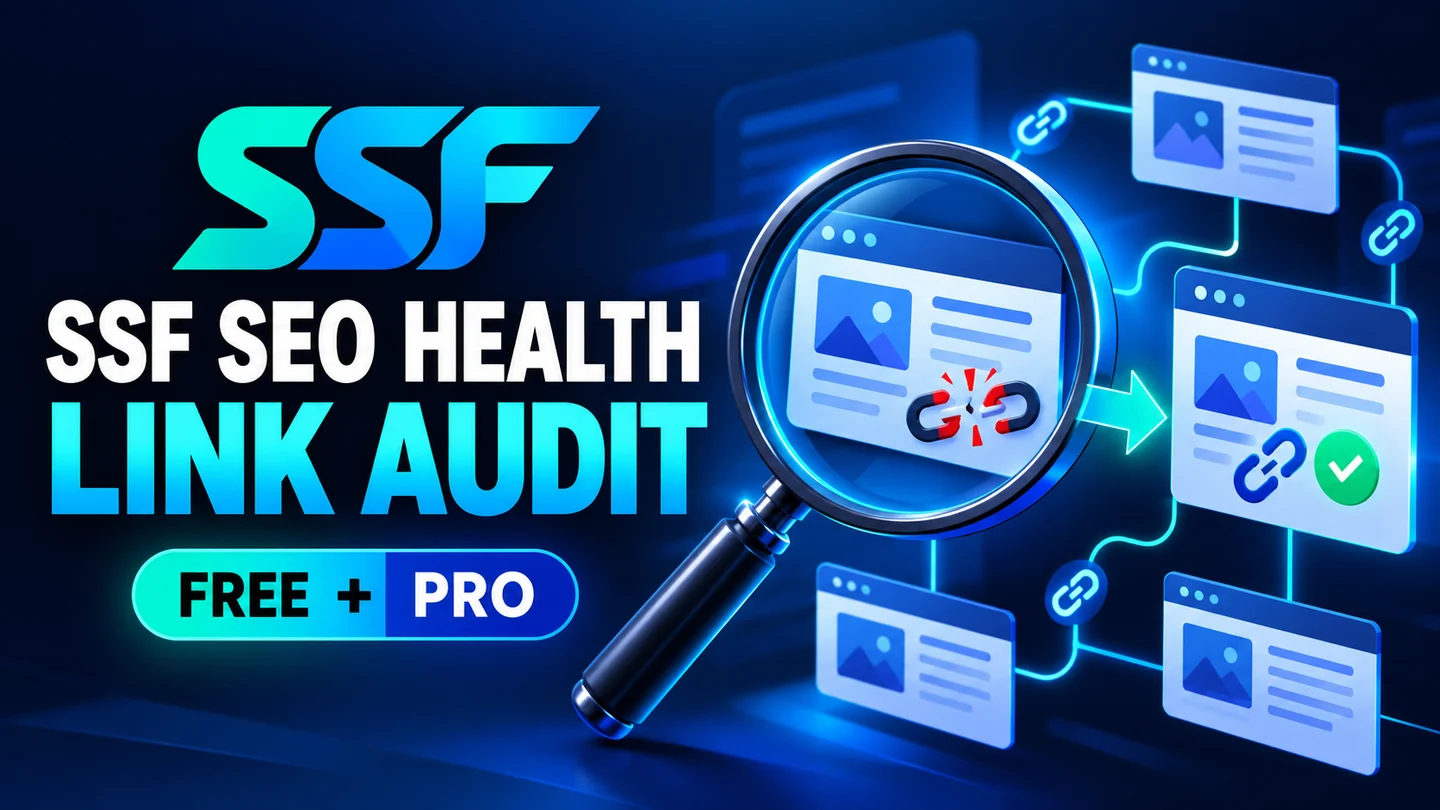
Review saved WordPress content for local link and image-file candidates, missing alt attributes and content essentials. Keep the evidence in your own dashboard and decide what to change.
Free local tools · No AI, API key or subscription required
Choose the workflow that fits your team
A useful place to start
- Audit up to 100 published posts or pages per manual run; use the start offset to inspect later batches.
- Review saved-content internal-link candidates, local upload file candidates, absent alt attributes, blank titles and content H1 structure.
- Read WordPress search visibility and explicit Rank Math noindex evidence when available. Rank Math is optional.
- Download JSON or spreadsheet-safe findings CSV; delete the latest stored report from the tool screen.
More control for reviewed work
- Raise the manual run limit to 500 published posts/pages.
- Review incoming-link counts and orphan candidates within the scanned saved-content graph.
- Find duplicate non-empty explicit titles/descriptions and review explicit Rank Math canonical differences/groups.
- Retain five report snapshots and compare the latest two runs when their scope and page IDs match.
Free and Pro at a glance
| Workflow | Free | Pro add-on |
|---|---|---|
| Manual run size | Up to 100 published posts/pages | Up to 500 published posts/pages |
| Later content batches | Manual start offset | Manual start offset |
| Local link/image and content evidence | Included | Included |
| JSON and findings CSV | Included | Included |
| Scanned incoming-link graph | — | Included |
| Explicit duplicate/canonical review | — | Included |
| History comparison | Latest report | Five snapshots; latest matching-scope comparison |
Introductory Pro plans
Introductory prices for this separate add-on. Free remains available without payment.
One year of updates & support
One payment · Manual renewal
One year of updates & support
One payment · Manual renewal
One year of updates & support
One payment · Manual renewal
One payment includes one year of updates and support, manual renewal and manual update delivery. No automatic renewal. Installed local tools keep working; GPL rights do not expire.
Pro checkout is currently closed. For product or agency questions, email sales@ssfllc.com.
Install, review and use
Before installation
- WordPress 6.6+ and PHP 8.1+, with PHP DOM and mbstring.
- An administrator account. Pro requires this product’s Free plugin to remain active.
- An existing SEO plugin is optional; only explicit supported Rank Math fields are read when present.
Your first workflow
- Back up your site and install the Free ZIP through Plugins → Add New → Upload Plugin.
- Open Tools → SSF SEO Health, choose the batch size/offset and run the local audit.
- Review each candidate on the actual website before making changes. Add the separate Pro ZIP for larger runs and history.
Know exactly what the tools cover
- Saved published posts/pages only; each page is limited to 512 KiB of content and 400 references, with up to 5,000 findings per report. Partial results are labelled.
- A link candidate is not a verified HTTP error. Dynamic routes, external links, actual response codes and rendered templates are outside this local audit.
- Theme headings, navigation, widgets, custom post types, JavaScript output, robots.txt, live canonical output and Google indexing need separate checks.
- The audit does not change content, metadata, schema, sitemaps, robots or redirects. No ranking score or indexing guarantee is supplied.
- A finding no longer observed in a saved-content comparison is not proof of a live website repair. Review the actual page before reporting it as fixed.
Your data, retention and access
The latest report and, with Pro, five snapshots stay in the local WordPress database. Reports contain public page IDs/URLs and selected public SEO evidence, not complete page HTML or credentials. The tool’s Delete stored reports action removes its reports/history; deactivation and uninstall retain them unless deleted first.
These local tools do not require AI or a third-party processing account. Your website owner remains responsible for access, backups, privacy notices and appropriate retention.
Need help choosing or getting started?
Software support, licence assistance, refunds and privacy enquiries: support@ssfllc.com.
Product sales and agency enquiries: sales@ssfllc.com.
Smart Solutions Framework (SSF) is a software brand operated by Murshid Farm Industries, Pakistan.