
SSF Speed Cache
Cache eligible public pages. Review optimization changes. Keep evidence and a way back.
Start with a useful Free edition, add selective optimization with Pro, or manage repeatable client workflows with Agency.
Download Free 1.0.0Compare editions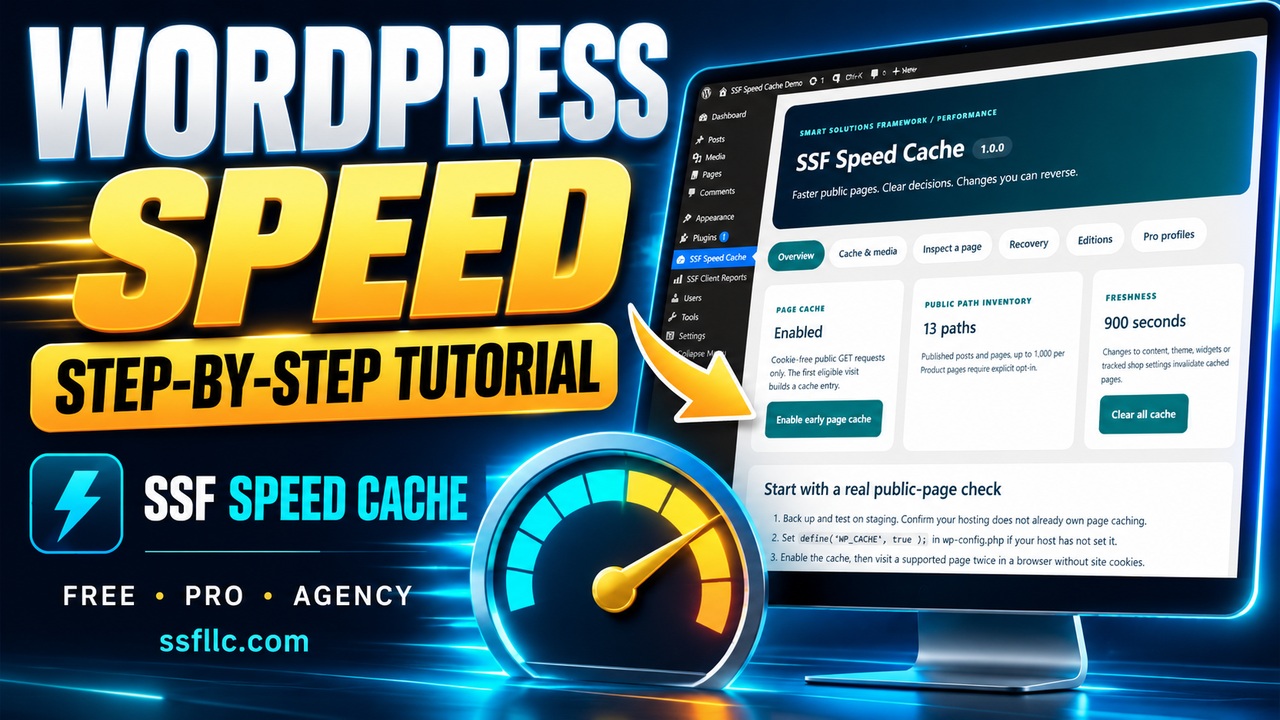
Watch the step-by-step WordPress tutorial
Follow real settings, typed entries and saved results in an actual WordPress demo. Clear English commentary, zoomed controls, captions and 11 chapters guide you through Free, Pro and Agency.
Performance work you can inspect
Cache with boundaries
Cookie-free public GET requests can use an early page cache. Private pages, sessions and supported interactive journeys bypass it.
Preview before applying
Pro lets you review selected-page script and style changes in an administrator preview before making them live.
Keep the evidence
Inspect cache decisions, retain browser navigation samples and export dated reports. Keep each result tied to its source and test date.
Free, Pro and Agency
Free
US$0
Useful local caching, ready to use directly inside WordPress.
- Early public-page cache and automatic invalidation
- Path exclusions and cache-lifetime controls
- Lazy images, hero priority and reviewed script defer
- Click-to-load YouTube shortcode
- Inspector, previous-settings restore and export
Pro
US$39
1 site · One year of updates/support
- Everything in Free
- Selected-page script delay/unload and stylesheet unload
- Signed preview and previous-profile restore
- Five-page preload batches and optional schedules
- WebP / host-supported AVIF copies
- Three-sample browser tests and evidence export
Paid checkout coming soon
Agency
US$149
10 sites · One year of updates/support
- Everything in Pro
- Reusable configuration templates
- Import preview with stale-state protection
- Client labels and dated reports
- Staff reporting access without settings access
- JSON export and browser Print / Save as PDF
Paid checkout coming soon
Prices are in USD. Paid coverage includes one year of updates and support, with manual renewal. Installed local functions remain available. Version 1.0 uses manual ZIP updates. Paid checkout is coming soon.
Feature comparison
| Feature | Free | Pro | Agency |
|---|---|---|---|
| Public-page caching, exclusions and invalidation | Included | Included | Included |
| Media controls, diagnostics and recovery | Included | Included | Included |
| Selected-page profiles and preloading | — | Included | Included |
| Image conversion and reversible delivery | — | Included | Included |
| Dated browser navigation samples | — | Included | Included |
| Reusable configurations and staff reports | — | — | Included |
Install carefully, verify on your site
- Back up and test on staging. Keep one page-cache provider and review any host or CDN cache separately.
- Install Free. Pro requires Free; Agency requires both Free and Pro.
- Ensure
WP_CACHEis enabled in your host’s configuration, then use the plugin’s enable control. The activation check preserves an existing cache provider. - Check eligible public pages twice without cookies. Test forms, menus, accounts and shop journeys before enabling a live profile.
Requirements: WordPress 6.6+, PHP 8.1+, a writable local cache directory and compatible hosting. Version 1.0 supports standalone WordPress installations. Up to 1,000 published paths; selected Pro profiles/preload lists support 50 page IDs. Complex personalization and arbitrary page-builder output require individual review.
Questions before you start
What do the browser measurements show?
Pro records three administrator-preview navigation samples and their median. Use consistent device and test conditions to compare profiles. Results reflect your hosting, theme, content, scripts and extensions; use dedicated field and Lighthouse tools for those additional measurements.
How do image copies and rollback work?
Pro converts local JPEG/PNG files in batches of up to five, retaining copies only when smaller. Host support is required for each format. Original files remain. Delivery applies to supported attachment images and can be disabled to restore original URLs.
Can I use this with SSF SEO Toolkit?
Yes, with one owner for overlapping functions. Use the SEO product for metadata, schema and SEO workflows. Disable its page cache or image-delivery feature before enabling the matching Speed Cache provider. Production configuration changes require staging tests.
Where do I get the plugin?
Download the Free ZIP directly from SSF and install it through Plugins → Add Plugin → Upload Plugin. This is an SSF direct-distribution release.